Standard-first delivery
Implementation by phases
Verified business data
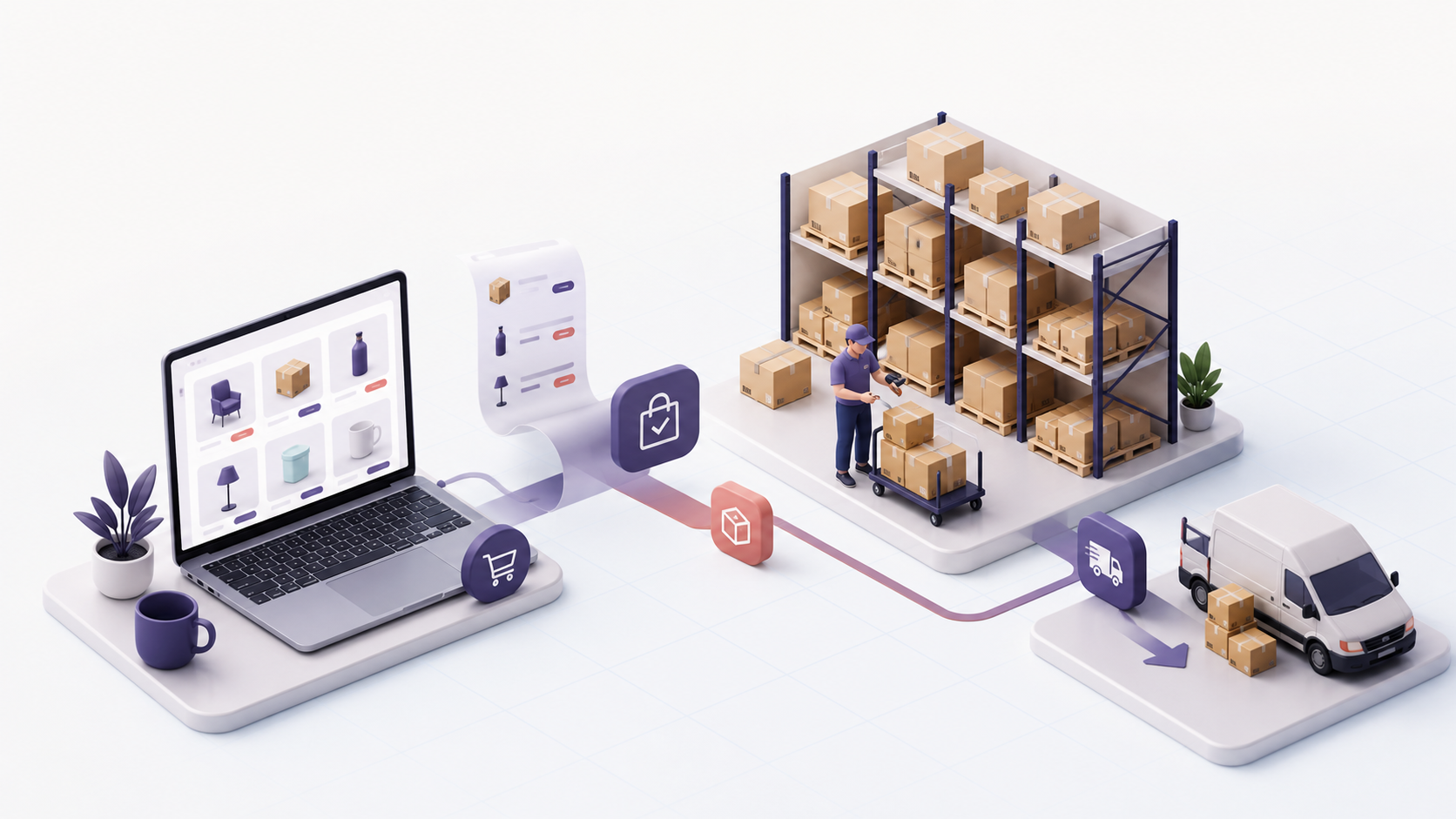
A portal does not replace a salesperson in every situation. Complex quotations, technical advice or negotiations may still require a person on the other side. A good B2B portal handles repeatable work and leaves the sales team more time for exceptions and genuine opportunities.
When does a wholesaler need a B2B ordering portal?
A portal makes sense when business customers regularly order familiar items, each customer has agreed prices or discounts and orders pass through several people. A typical sign is that the sales team receives the same questions every day: "send the price", "is it available", "repeat the last order" or "send the delivery note".
Another sign is re-entry. A customer sends a spreadsheet, a salesperson copies the lines into a quotation or order, inventory staff read them again and accounting later checks what was actually delivered. Every data transfer creates room for an incorrect item code, quantity, price or delivery address.
A B2B portal is not necessary if you have few customers, very infrequent orders and every sale requires a new technical quotation. In that case, first structure Odoo Sales from quotation to payment. A portal is the next step when a stable catalogue and a repeatable sales process already exist.
What does an order from customer to warehouse look like?
A sound process does not start with the shopping cart, but with data. The customer must be recorded correctly, have an assigned price list and access rights, while products need clear codes, units of measure and the information required for delivery.
In a typical flow, an authorised customer signs in to the portal and sees the catalogue. Odoo can display prices only to users with an account and assigned price list, while hiding them from public visitors. Official Odoo documentation describes this B2B mode, including invitation-only access and price visibility control.
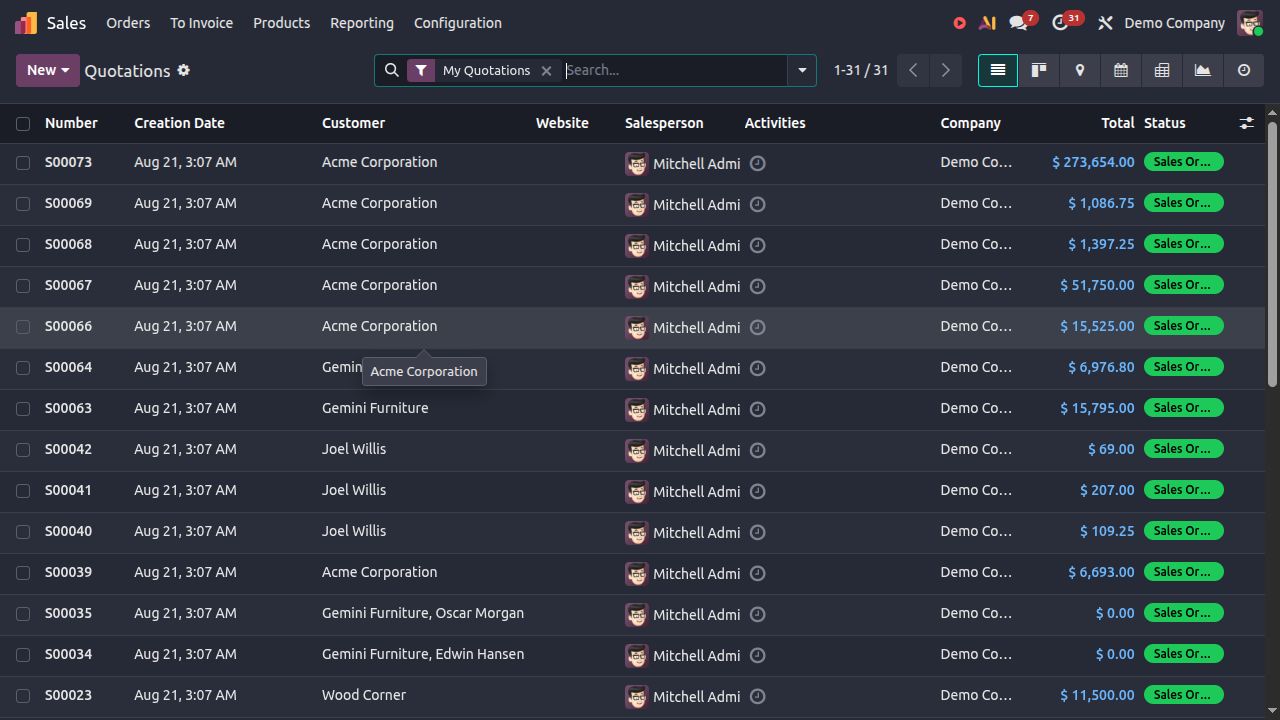
The customer selects items and submits the order. A confirmed online order creates a sales order, which can produce an inventory delivery and an invoice according to the agreed rule. The Odoo eCommerce flow connects orders, deliveries, stock, returns and invoicing.
The process still needs to reflect business rules. Decide whether every order is confirmed automatically, whether goods are reserved immediately or after internal review, whether customers may order unavailable products and who may change the delivery address or date.
Can every customer see their own price list?
Yes, if price lists are structured before the portal is opened. Odoo can assign a price list to a specific customer and define prices or discounts by product, quantity, period, currency, location or customer type. The available options are described in the Odoo price-list documentation.
This does not mean that every existing spreadsheet automatically becomes a good price list. Before importing, answer several questions:
If these questions do not have clear answers, the portal will only display the same ambiguity to more customers, faster. Structuring price lists is therefore part of the analysis, not only a file import.
How does the portal connect to inventory and delivery?
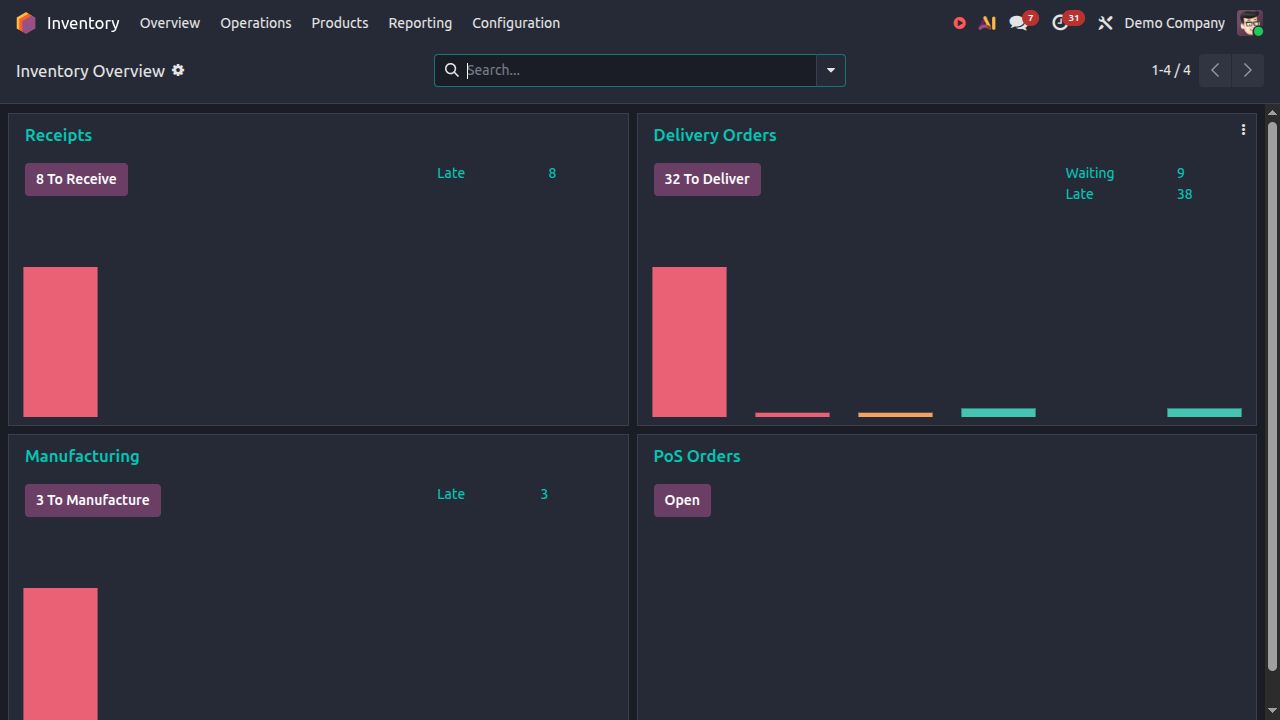
The customer should not see only an attractive catalogue. They need reliable information about what can be ordered and what happens after the order. When an order is confirmed, Odoo can create an inventory delivery, while reservation rules determine when goods are no longer freely available for other orders.
Inventory staff then follow the actual process: they can pick, pack, record a partial delivery or process a return. A delivery method can be added to the order and online cart, while the Odoo delivery-method documentation describes cost calculation and its connection to delivery.
For Croatian carriers, own delivery, EDI exchange, special label printing or synchronisation with an external warehouse, do not assume in advance that an integration is ready. These items must be checked for the specific carrier, contract and way the warehouse operates.
What does Odoo cover as standard, and what needs to be checked?
Standard configuration may be sufficient for business customer sign-in, a catalogue, price lists, online orders, sales orders, inventory deliveries and the documents that follow those steps. This is a sound foundation for many wholesalers that want to reduce manual entry.
Requirements that depend on your business need separate review: credit limits and customer blocking, multi-stage approvals, carrier integration, EDI, an existing accounting application, highly specific discounts, several warehouses, special packaging or a product configurator. For such requirements, we assess whether configuration, an existing integration or additional development is appropriate.
If the project requires non-standard modules or customisations, the hosting model must also be assessed. Odoo Online does not support non-standard modules, while Odoo.sh and on-premise hosting provide different options. The wider context is explained on the Odoo ERP for Croatian companies page.
What should you prepare before assessing a B2B portal?
A long specification is not required for the first conversation. Several real examples are much more useful:
A useful exercise, even before selecting a system, is to follow one order through four columns: event, responsible person, input data and output document. Wherever the same data is entered again, you have found a good candidate for simplification.
Odoo implementation in Croatia can begin with a limited first phase, such as selected customers, one price list and one warehouse. This allows the process to be checked with real data before the portal is released more widely.
If customers currently order by email or telephone, send one sample order and the current price list. In a short conversation, we can review what standard Odoo functions can cover and what needs a separate check.
Start with one real process
A representative document reveals the real scope faster than a generic feature list.